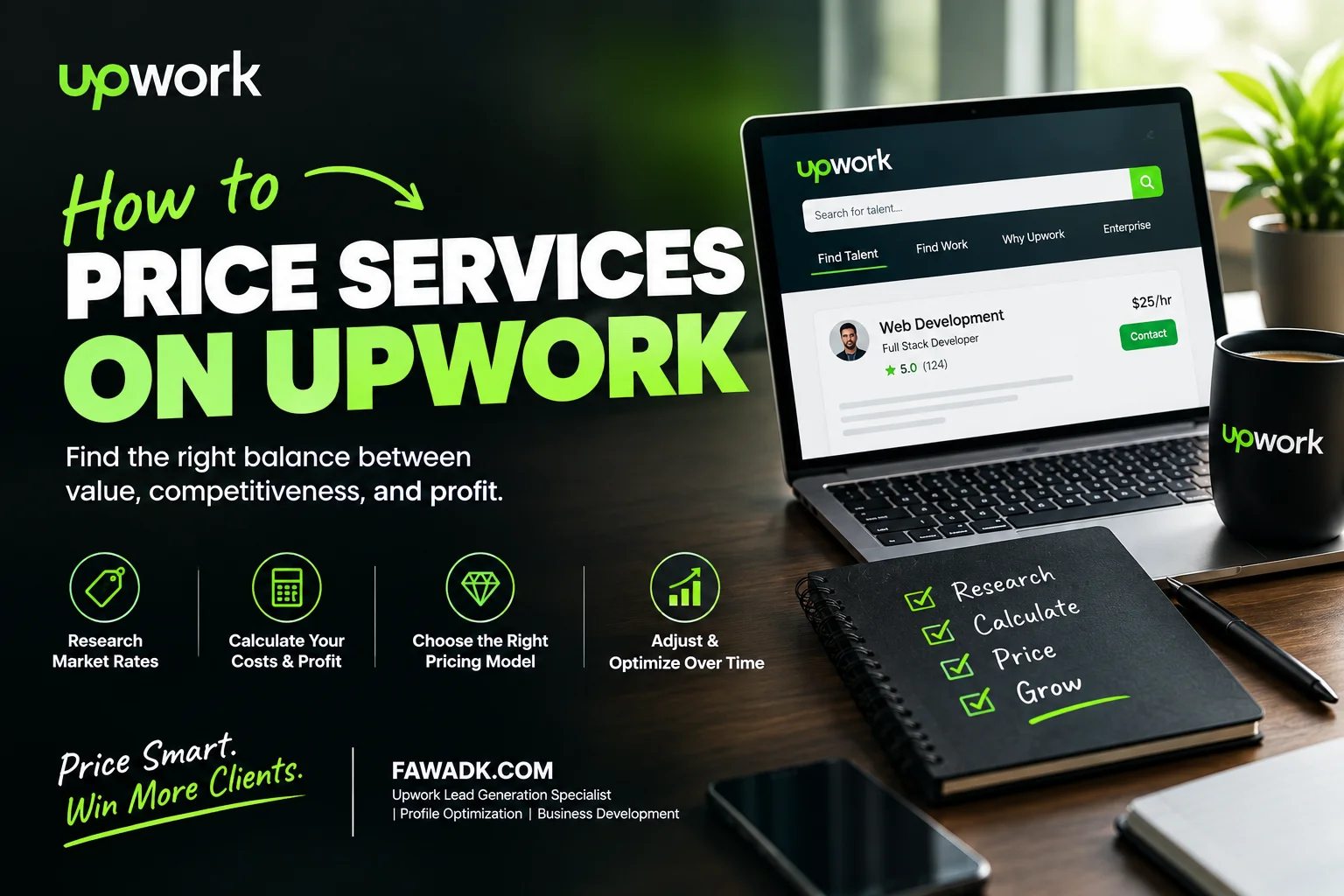
There is no single Upwork rate that works for every freelancer. Your niche, experience, scope, competition, client budget, and the fee shown for a contract all matter. Here's a practical framework for setting and reviewing your rate.
A common pricing mistake is choosing a rate based only on what feels comfortable. A better approach is to compare relevant freelancers in your niche, understand the scope you deliver, account for the fee shown for the contract, and then test your positioning. Your rate can influence which clients consider your profile, but it is only one part of the hiring decision.
01: What Actually Determines Your Rate
What Actually Determines Your Upwork Rate?
Pricing your services on Upwork starts with your specific service and market, not just a broad category. Compare relevant profiles, consider your experience and portfolio, define your scope clearly, and account for the Freelancer Service Fee shown for each contract. Upwork currently states that the freelancer service fee can range from 0% to 15% per contract and that the exact percentage is shown before you commit to the work. Upwork Help: Freelancer Service Fee This guide focuses on practical ways to choose and review your rate without treating any single number as a universal rule.
Your rate is influenced by several factors: the market for your specific service, your experience and proof of work, the scope and complexity of the project, client expectations, and the fee that applies to the contract. Reviews and Job Success Score can also contribute to credibility, but they do not create a fixed pricing formula. The safest approach is to use market research as a reference point and then test your positioning against real client responses.
"Your rate is part of your positioning. It can affect which clients consider your profile, but it should be evaluated alongside your niche, portfolio, reviews, and the value of the work you deliver."
Upwork Service Fee Structure
Check the percentage shown for this contract
0%–15% per contractContract-specific fee
Shown before you submit/acceptCheck the contract details
Exact fee applies per contract02: The Real Problem
Why Do Most Freelancers Get Upwork Pricing Wrong?
Underpricing can make it harder to cover the time and effort required to deliver quality work, but a low rate does not automatically communicate a lack of skill. For a new freelancer, a better approach is to benchmark comparable services, consider the strength of the portfolio, and choose a rate that is competitive without making the project uneconomical.
The opposite problem is changing a rate without checking whether the market still supports the new positioning. Instead of tying an increase to a universal review count, review your recent demand, proposal response, interview rate, project outcomes, portfolio strength, and the rates of comparable freelancers. Then make a measured adjustment and watch the results.
💡 The mistake I see most often after the first two: treating fixed-price and hourly work like they need the same pricing logic. They're different products with different risk profiles, and pricing them the same way leaves scope creep unpriced.
03: The Framework
How to Price Your Services on Upwork: Step by Step
Here's the framework I walk clients through, in order.
1: Find the rate range for your niche, not your category
Search for your exact service and compare a meaningful sample of relevant profiles. Look at hourly rates, experience, portfolio quality, reviews, Job Success Score where shown, and the type of work each freelancer is offering. Top Rated and Top Rated Plus can be useful comparison groups, but their rates should be treated as reference points rather than a fixed ceiling, floor, or mid-market definition.
A specialist service can attract a different range of rates from a broad generalist service, so benchmark as closely as possible to the work you actually sell.
2: Calculate your real rate after Upwork's service fee
3: Set your starting rate at mid-market with no review history
With no reviews, avoid choosing a rate solely because it is the lowest or highest number you can find. Compare freelancers with similar services and experience, then choose a rate you can defend with your portfolio, scope, and positioning. There is no official Upwork rule requiring a beginner to start at mid-market.
A $35/hour profile and a $12/hour profile may attract different clients, but price alone does not prove quality. Make sure your rate is supported by clear positioning, relevant samples, and a well-defined service.
4: Use fixed-price milestones to price projects correctly
Fixed-price work can benefit from milestones when the project has clear stages. Upwork allows a fixed-price contract to use one milestone or multiple milestones. A good milestone should have a clear deliverable, timing, and payment amount; the number and size should match the project rather than a universal percentage rule.
Client pushback on milestones does not by itself prove that scope will expand. A better safeguard is to define deliverables, deadlines, revision limits, and milestone amounts before work begins.
5: Know the two signals that make a rate increase safe
Two useful signals are your recent contract outcomes and your response to targeted applications. A high JSS is a positive credibility signal—Upwork describes 90% or above as high JSS—but there is no official rule saying that a 90%+ JSS guarantees search visibility or invitations, and Upwork does not publish a universal 15% proposal-reply threshold. Upwork Help: Job Success Score.
When your results are stable, you can test a higher rate and monitor proposal responses, interviews, invitations, and closed contracts. A rate increase can change conversion, so treat it as a test rather than a guarantee.
6: Raise rates in increments tied to review milestones
There is no official Upwork percentage or review milestone that makes a rate increase 'safe.' Smaller increases can be easier to test, while larger increases may require stronger positioning and demand. Choose the size based on your market, recent results, and how much value or specialization you can demonstrate.
5 Reviews
Review your market position and recent results before changing your rate
15 Reviews
Consider an increase when demand and results support it
30 Reviews
Use your badge and work history as supporting credibility, not as a pricing rule
7: Use Project Catalog to test pricing without risking your profile rate
Project Catalog lets clients browse predefined services with scope, pricing, and timelines, and purchase a project directly from its listing rather than posting a job and sorting through proposals. Upwork Help: Project Catalog Use it to package a clearly defined service, but do not assume that duplicate listings at different prices will provide a controlled pricing test.
Project Catalog is a separate way for clients to discover packaged services, but Upwork does not state that it operates independently of your profile rate or that using it will automatically build the review volume needed for a rate increase. Treat it as an additional acquisition channel, not a guaranteed pricing experiment.
04: Real Example
An Illustrative Rate-Change Example
📋 Illustrative example — video editor considering a rate change
Imagine a video editor charging $18/hour with several positive reviews who is attracting projects with frequent revision requests and tight budgets. A sensible next step would be to compare similar corporate-video profiles, review the scope of the work being sold, strengthen the positioning, and test a higher rate rather than assuming a particular market range.
For an illustrative test, the freelancer could move gradually from $18 to a higher rate, then track qualified inquiries, proposal responses, interviews, closed contracts, project scope, and revision patterns over the next several weeks. The outcome should be judged from the freelancer's own data rather than presented as a guaranteed result.
The rate wasn't just a number. It was already filtering his client list, just for the wrong kind of client.
Example test: $18 → $30
Hourly rate
Track your own revenue
Monthly revenue
Review after several weeks
Timeframe
05: Comparison
Common Pricing Mistakes vs. What Works
❌ Common Pricing Mistake
Setting a rate based on what you need to earn, ignoring the signal it sends
Listing a rate without accounting for Upwork's service fee
Raising your rate whenever you feel confident
Treating fixed-price and hourly work with the same pricing logic
Underpricing to compete with high-review freelancers
Ignoring Project Catalog as a pricing tool
✓ What Works Instead
Benchmarking comparable profiles and choosing a defensible starting rate
Calculating your net rate after the fee, then adjusting your profile rate
Reviewing rate increases when market demand, results, and positioning support them
Structuring fixed-price work with milestones, pricing scope risk separately
Positioning at mid-market and competing on niche specificity, not price
Using Project Catalog as an additional channel for clearly packaged services
06: Advanced
What Most Upwork Rate Guides Never Mention
⚡Your profile rate anchors what a client expects before they've read your proposal. If your profile shows $65 and a proposal quotes $48 for a specific scope, that reads as a discount rather than your real rate. Set your profile rate slightly above your typical project rate and you get room to price individual jobs without it feeling like a markup.
This isn't about misleading anyone. It's about how numbers get read in sequence. Show $30 on your profile and quote $45 for a complex project, and the client feels overcharged relative to what they expected walking in, even though the price fits the work.
📊Your exact contract fee matters more than an old fee table. Upwork currently says the Freelancer Service Fee ranges from 0% to 15% per contract, and the exact percentage is shown before you submit or accept the work. Use that contract-specific percentage when comparing your listed rate with your expected net earnings.
Neither trick works without the fee math and the niche benchmarking from earlier in this piece already in place. Skip those and a higher anchor rate just becomes a number nobody believes.
06: Watch Out For
Common Upwork Pricing Mistakes to Avoid
✗ Benchmarking against category averages instead of your niche
Broad category rates can vary widely, so a simple average may be misleading. Compare freelancers who offer similar services, have comparable experience, and serve similar client needs.
✗ Taking below-rate fixed-price contracts to "make it work"
If the budget does not match the scope, clarify the deliverables, timeline, revisions, and price before accepting. Do not rely on a mid-project renegotiation to fix an unclear scope.
✗ Quoting different rates to different clients off the same profile
Your profile rate is one reference point, not necessarily the final rate for every contract. Scope, duration, specialization, and client requirements can justify different project pricing. Make sure any difference is easy to explain.
✗ Leaving your rate untouched after hitting Top Rated
Top Rated and Top Rated Plus can strengthen credibility, but the badge does not prescribe a particular hourly rate. If your positioning and demand improve, review your rate alongside the rest of your profile.
✓Verification note: Platform-specific claims in this article were updated against current Upwork Help documentation. Pricing benchmarks, rate-increase percentages, review-count milestones, and personal case-study outcomes are presented as recommendations or illustrative examples rather than official Upwork rules.
07: Final word
Where Your Upwork Rate Actually Comes From
Pricing on Upwork is part of your positioning. Your rate works together with your niche, profile, portfolio, reviews, proposal, scope, and the value you communicate. The goal is not simply to charge more; it is to choose a rate that fits the work you deliver and the clients you want to attract.
One limitation worth naming: this framework assumes real demand exists at mid-to-upper rates in your niche. If two hundred freelancers are offering an identical, fully commoditized service, rate strategy helps at the edges but won't fix the underlying positioning gap. Niche comes first. Rate follows.