What Profile Optimization Actually Does
Optimizing your Upwork profile means fixing two problems at once: ranking higher in Upwork's search results so clients find you, and converting visitors into replies once they land on your page. Most freelancers fix one or neither. After auditing 300+ profiles, I can tell you the same six elements fail almost every time.
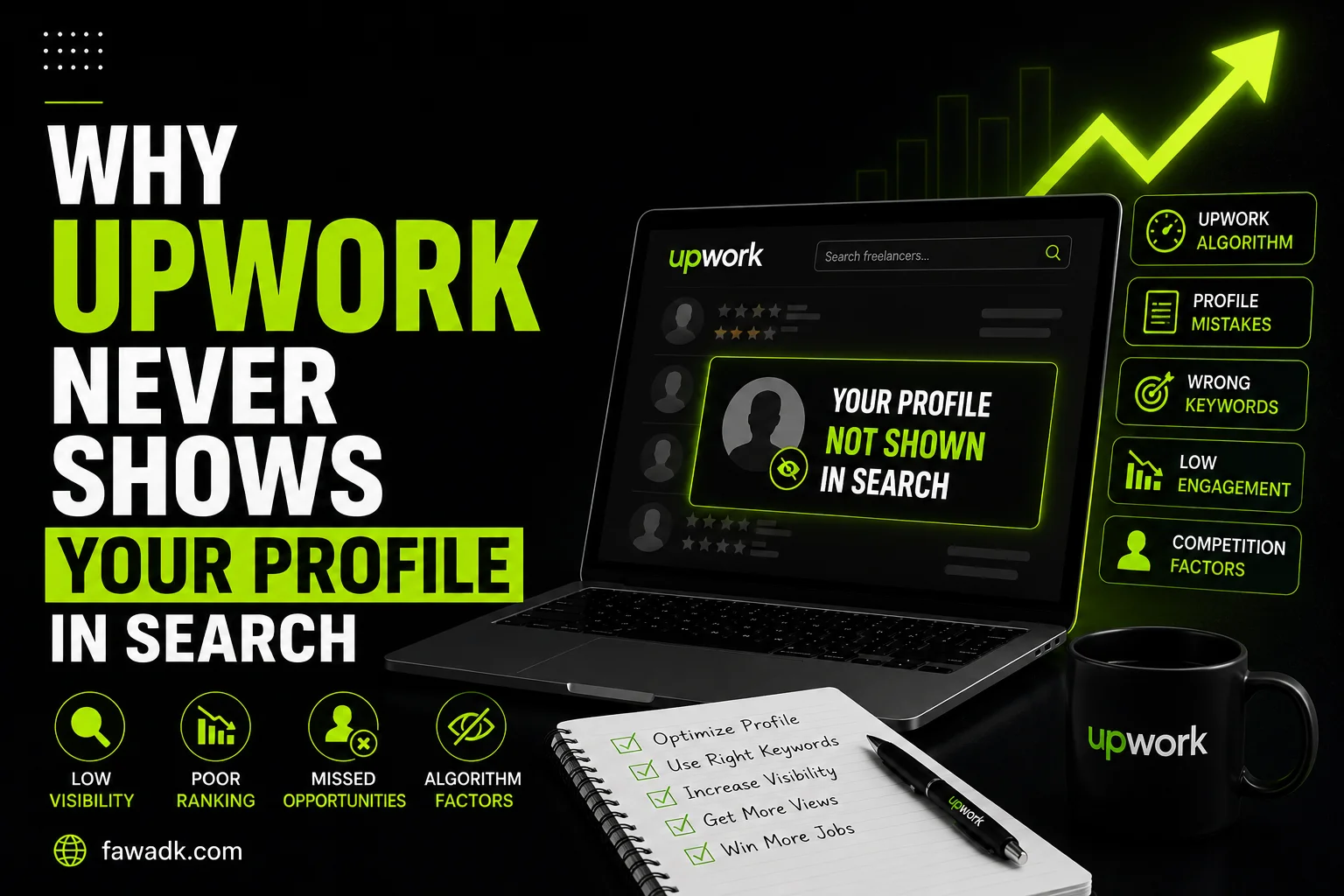
"Upwork's search algorithm works the same way Google does at a basic level — it looks for keyword relevance, niche clarity, and profile completeness, then ranks accordingly. A profile covering five services with a generic overview sends diluted signals across every category and ranks strongly in none."
Most profile advice stops at "be specific" and "fill everything out." That's not wrong, but it's not enough. Specificity without structure is just a shorter version of the same ineffective profile. Here's the actual framework - in order of impact.
01: Why It Fails
Why Most Freelancers Get This Wrong
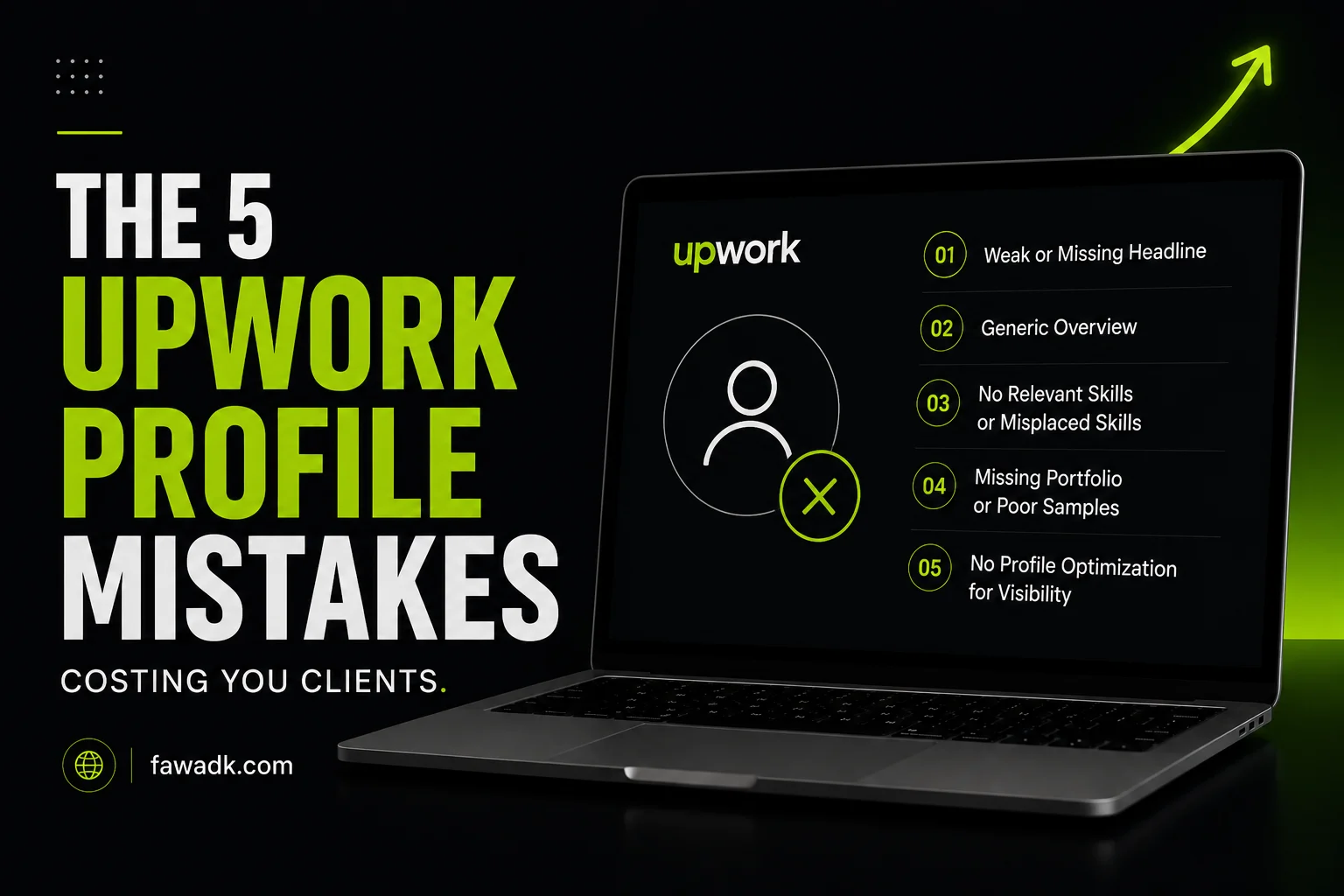
The number one mistake I see across accounts: freelancers optimize their profile for the services they offer instead of the searches clients run.
❌ What I see
"Full Stack Developer | React | Node.js | MongoDB | PostgreSQL | Express"
✓ What works
"React Developer for SaaS Web Apps"
The client searching for someone to build their SaaS dashboard isn't typing "full stack developer with MongoDB experience." They're typing "SaaS dashboard developer" or "React developer for web app." The profile using those specific terms gets the invitation. The one listing five technologies ranks for nothing specific.
The second mistake: assuming the overview is a bio. Most freelancers structure it like a CV - background first, services second, credentials last. Clients don't open a profile to learn about freelancers. They have a problem. The overview that opens with the client's problem earns the next paragraph. The one that opens with "I have 6 years of experience" loses them immediately.
The third mistake is treating the portfolio as a gallery. Twelve work samples with titles and no context. Clients looking at your work don't just want to see output — they want to know if you've solved something similar to their problem. Context converts. Output alone doesn't.
02: The Framework
Step-by-Step: How to Optimize Your Upwork Profile
1: Fix the title — one service, one client type
Your profile title is the most important field for search ranking on Upwork. The algorithm indexes it heavily, and it's the first thing clients read after finding you. Both jobs - ranking and converting - have to happen in the same line.
The structure that works: specific service + client type. "Shopify Developer for DTC Brands" outranks "Full Stack Developer" for every Shopify search, every time. Run a search for your intended service and look at what Top Rated Plus freelancers call themselves. The pattern is usually narrow and specific - not broad.
2: Rewrite the overview opening
The first two lines of your overview are what most clients read before deciding whether to continue. These lines appear in search preview snippets and they're what clients see when they click your profile before scrolling.
Open with the client's problem, not your background. "Most SaaS teams I work with have the same content issue - they're publishing but nothing is building pipeline. That's the gap I close." That earns the next paragraph. Under 250 words total - the overview needs to earn each sentence, not fill a page.
3: Optimize the skills section for niche terms
Upwork allows up to 15 skills. Most freelancers add every skill they have, which dilutes the niche signal the same way a broad title does. Add the 6–8 skills most closely aligned with your primary service category.
One thing most guides miss: the skill terms in your profile should match the terms clients actually use in job posts — not just the technical names you use internally. Check 20 recent job posts in your category. What skills do clients list? Those go in your skills section.
4: Add context to every portfolio item
A portfolio item without context is a missed conversion opportunity. Every item needs three things: the situation before your involvement, what you specifically did, and a measurable outcome.
"E-commerce website" is weak. "Rebuilt Shopify checkout for a DTC skincare brand - cart completion rate improved from 52% to 69% in the first six weeks" works. Three to five strong, contextualized items outperform fifteen uncontextualized ones consistently.
5: Complete every section that affects the completeness score
Upwork's algorithm gives search preference to profiles with higher completeness scores. Most freelancers fill the required fields and stop. The optional sections - employment history, education, skill certifications, English proficiency test - all contribute, and most competitors haven't filled them out.
Skill certifications add visible badges that increase client confidence at the decision point. They're free to complete. If two profiles are otherwise similar in a client's evaluation, the one with visible certifications usually wins.
6: Set the right hourly rate for your stage
Rate is a risk proxy on Upwork when there's no review history. A $10/hr rate with no reviews doesn't read as accessible — it reads as unproven. A $150/hr rate with zero reviews loses to freelancers who have the review history and Job Success Score to justify it.
Check three to five Top Rated freelancers in your exact niche. Set your rate within a reasonable range of what they charge - not the lowest, not the highest. Once you have five to eight completed contracts and a JSS above 90%, raise rates incrementally.
7: Edit the profile every 60–90 days
The algorithm treats profile activity as a relevance signal. Small edits — updating a portfolio item, adjusting the skills list, refining the overview's second paragraph - keep Upwork profile visibility stable between major changes. Ten minutes every two months. Most freelancers never do this after the initial setup.
03: Real Example
Same Freelancer, Different Results
📋 Case: UX Designer, 6 months, near-zero invitations, 4% proposal reply rate
Her title read "UX/UI Designer | Figma | Adobe XD | Prototyping | User Research | Wireframing." Her overview opened with "I am a UX designer passionate about creating user-centered digital experiences." Portfolio: nine Figma screenshots, no context, no outcomes.
We changed four things. Title became "UX Designer for SaaS Onboarding Flows." Overview opening became "Most SaaS products I've worked on lose 40% of new users in the first three sessions - usually because the onboarding flow assumes too much. I fix that."
Portfolio cut to four items, each with a before/after description and a retention or task-completion metric.
Her Figma skills didn't change. Her positioning did.
3x
Profile views
4% → 17%
Reply rate
$2,800
First contract (week 3)
04: Comparison
What Most Freelancers Do vs. What Works
❌ Common Approach
Broad title listing all skills and tools
Overview opens with years of experience
All 15 skill slots filled with unrelated terms
Portfolio as a gallery of output
Rate set low to attract first clients
Profile set up once and never touched
✓ What Actually Works
One service, one client type - title does one job
Overview opens with the client's specific problem
6-8 skills tightly matched to primary niche
Each item has situation, action, and measurable outcome
Mid-market rate, compete on niche specificity and proof
Edited every 60–90 days to maintain algorithm visibility
05: Advanced
What Most Profile Guides Don't Cover
⚡Invitation rate is the most underused diagnostic metric on the platform. When Upwork sends you job invitations, the algorithm matched your profile to what a client searched for. If your invitation rate drops over two to three weeks without a change in proposal activity, the profile needs a refresh - not more proposals. Sending more proposals while invitation rate is falling just burns Connects on a weak foundation.
Specialized Profiles are almost entirely ignored. Most Upwork profile optimization guides stop at title and overview — the Specialized Profiles feature is almost never mentioned. Upwork allows freelancers to create separate profiles for different service areas - each with its own title, overview, and portfolio. If you have two genuinely different service offerings, specialized profiles let you rank in both without diluting either. Most freelancers don't know this feature exists.
The overview preview in search results shows the first 200–300 characters. If those characters are "I am a passionate professional," that's what clients see before clicking. The most important sentence in your overview is the first one - not because it's the best written, but because it's the only one consistently read before a client decides whether to click.
🏅JSS above 90% gives a meaningful search visibility advantage. Below 80%, most search categories suppress the profile in rankings. This compounds over time — fewer invitations lead to fewer contracts, which makes JSS harder to recover. Protecting it from the first contract is far easier than rebuilding it later. Profile optimization helps with visibility, but it's not a substitute for JSS work if the score is already low.
06: Mistakes
Common Mistakes
✗ Updating the title without updating the overview
These two need to match. A niche-specific title with a generic overview creates a disconnect that reduces conversion even after search ranking improves. Fix both at the same time — always.
✗ Adding portfolio items without removing irrelevant ones
If you're targeting SaaS clients but your portfolio is full of e-commerce work, the mismatch signals misalignment. Clients hiring for their specific context want relevant precedent, not volume.
✗ Setting rates based on the wrong comparison group
The right benchmark isn't "all UX designers on Upwork" — it's "UX designers for SaaS onboarding in my experience bracket." The narrower the niche, the more specific the rate comparison needs to be.
✗ Skipping the profile video
Upwork's profile video is almost universally skipped. A 60-second video introducing you and your niche approach adds a human element text can't - and very few competitors bother with it. Free differentiation that most freelancers leave on the table.
07: Final Thoughts
A One-Time Fix That Keeps Working
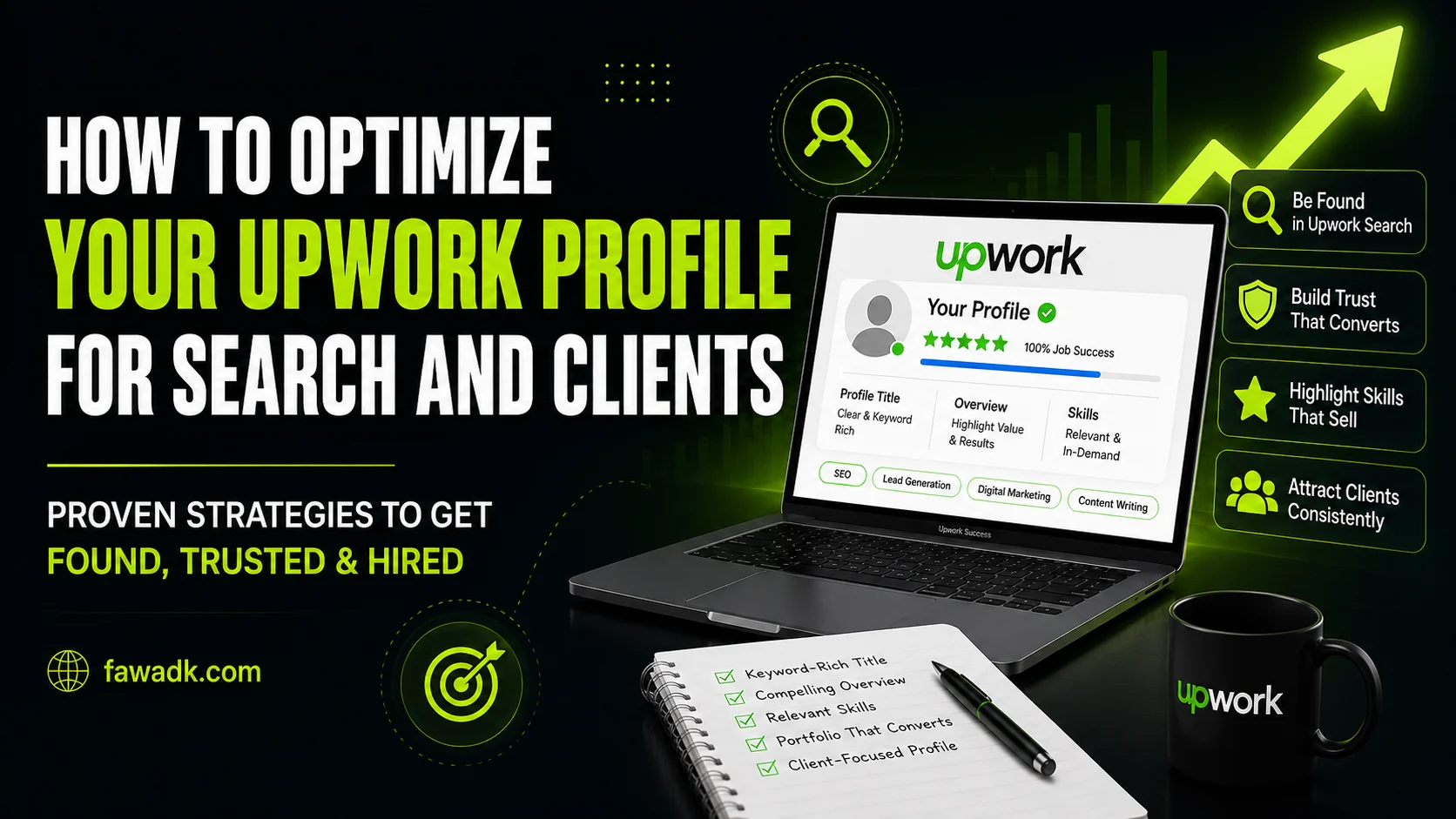
Profile optimization is a one-time investment that compounds over time - a strong title and overview keeps working every time the algorithm matches your profile to a search. Fix the title first, rewrite the first two lines of the overview, add outcome context to your top portfolio items, complete every section that affects the completeness score, and set a rate that positions you correctly for your stage.
One honest caveat: this works best when you're targeting a niche with real market demand. If the niche is too narrow or too saturated, optimization raises your ceiling but doesn't change the underlying market conditions. Pick the niche before committing the effort.